A real browser for your agent, one URL away.
Claude, Cursor and ChatGPT connect with one URL. Your agent sees the page, reads its exact text, clicks and types through it, and is told about the JavaScript errors and failed requests a screenshot alone would hide. The same renderer is a plain HTTP API for screenshots and PDFs of any page.
See what your agent sees
No key, no sign-up. A few renders an hour, straight from this page.
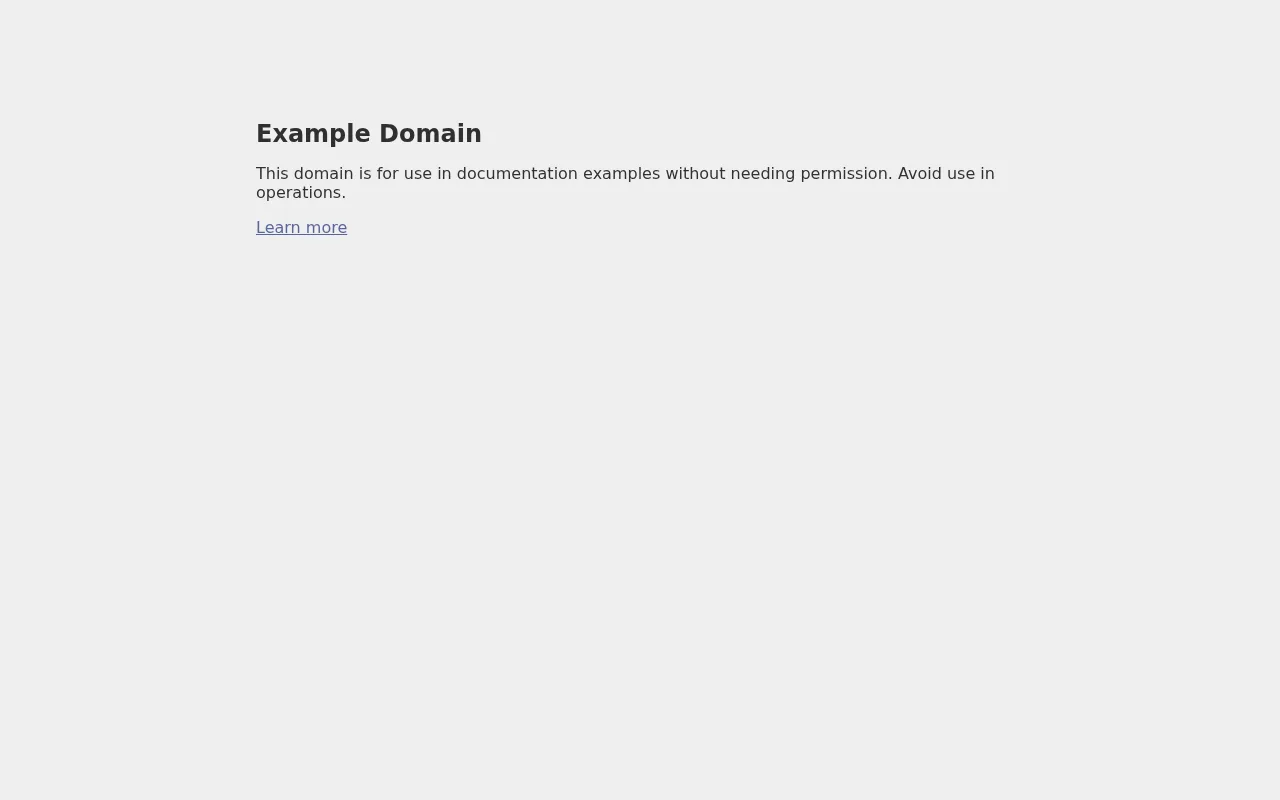
Beside the image, your agent gets:
- Title
- HTTP status
- JavaScript errors
- Failed requests
The page’s exact text, fenced as untrusted:
curl "https://screenshot-api.net/v1/screenshot?url=https://example.com&width=1280" \
  -H "Authorization: Bearer sk_live_..." \
-o shot.pngGive your coding agent eyes
A hosted MCP server. Claude, Claude Code, Cursor and ChatGPT connect with one URL and a sign-in — nothing to download, no key to paste.
claude mcp add --transport http screenshot-api https://screenshot-api.net/mcpThen ask it in words. Connect from any client →
“Check the pricing page after my deploy”
It captures at the resolution a vision model actually reads at, crops to a CSS selector when it needs a closer look, and reads characters from the page text rather than guessing them from pixels.
“Open the menu and search for ‘billing’”
Steps run before the capture: click, type, press a key, hover, scroll, wait for an element. The state an agent needs to check is rarely the one a page loads in.
“Why is the dashboard blank?”
Every capture reports the page’s JavaScript errors and its failed or 4xx/5xx requests. A blank screenshot says something is wrong; TypeError and a 500 from /api/session say what.
“How does it look on a phone?”
Render as an iPhone, a Pixel or an iPad — viewport, pixel density, touch and user agent — so it sees the mobile layout, not a desktop page squeezed narrow.
“Did staging change anything?”
The compare tool renders a page against another URL or a stored baseline and returns the changed regions and a diff image. Post it to Slack if you like.
A page cannot steer it
Page text and error messages come back fenced as untrusted content, with a marker the page cannot forge, so a hostile page cannot tell your agent what to do with your credentials.
One endpoint. Any language.
It is a plain HTTP GET that returns image bytes. If your language can make a request, it can take screenshots.
# Full-page WebP at 2x for a retina display
curl -G "https://screenshot-api.net/v1/screenshot" \
  -H "Authorization: Bearer $SCREENSHOT_API_KEY" \
  --data-urlencode "url=https://example.com" \
  -d "full_page=true" -d "format=webp" -d "scale=2" \
  -o example.webp
const params = new URLSearchParams({
url: "https://example.com",
width: "1280",
format: "webp",
full_page: "true",
});
const res = await fetch(`https://screenshot-api.net/v1/screenshot?${params}`, {
headers: { Authorization: `Bearer ${process.env.SCREENSHOT_API_KEY}` },
});
if (!res.ok) throw new Error((await res.json()).message);
const buffer = Buffer.from(await res.arrayBuffer());q := url.Values{}
q.Set("url", "https://example.com")
q.Set("width", "1280")
q.Set("format", "webp")
req, _ := http.NewRequest("GET",
"https://screenshot-api.net/v1/screenshot?"+q.Encode(), nil)
req.Header.Set("Authorization", "Bearer "+os.Getenv("SCREENSHOT_API_KEY"))
res, err := http.DefaultClient.Do(req)
if err != nil {
return err
}
defer res.Body.Close()
img, err := io.ReadAll(res.Body)import os, requests
res = requests.get(
"https://screenshot-api.net/v1/screenshot",
headers={"Authorization": f"Bearer {os.environ['SCREENSHOT_API_KEY']}"},
params={
"url": "https://example.com",
"width": 1280,
"format": "webp",
"full_page": "true",
},
timeout=60,
)
res.raise_for_status()
with open("example.webp", "wb") as f:
f.write(res.content)What you get
The things that usually take a week of fighting a headless browser, already handled.
Real browser rendering
Pages are rendered by an actual browser engine, so JavaScript, web fonts, CSS grid and lazy images all behave the way they do for a visitor.
Full-page capture
One parameter captures the entire scrollable page, not just the viewport. Height is bounded so a runaway page cannot produce a runaway file.
Viewport control
Any width and height up to 3840×4320, device scale up to 3×, a dark-mode flag, or a device preset that renders as a real phone or tablet.
PNG, JPEG, WebP and PDF
Pick the format per request with adjustable quality, or format=pdf for the page printed with working links and selectable text.
Locked down by default
Requests aimed at private networks, loopback or cloud metadata are refused, redirects and subresources included. The browser runs sandboxed, unprivileged, with every capability dropped.
What changed
One call renders a page against another URL or a stored baseline and returns the changed regions as numbers plus a diff image, posted to Slack if you like. Staging against production, or a page against last week.
Honest quotas
Every response carries your remaining balance in a header, and a render that fails on our side is refunded automatically.
Parameters
All optional except url. Out-of-range values are clamped rather than rejected. Full reference →
| Parameter | Default | Description |
|---|---|---|
url | — | The page to capture. Must be http or https. |
width | 1280 | Viewport width in CSS pixels, up to 3840. |
height | 800 | Viewport height in CSS pixels, up to 4320. |
full_page | false | Capture the whole scrollable page. |
format | png | One of png, jpeg, webp, pdf. |
device | — | iphone-15, pixel-8, ipad, laptop or desktop: viewport, density, touch and user agent. |
steps | — | Up to 20 actions before the capture: click, type, press, hover, scroll, wait, wait_for. How → |
quality | 85 | 1–100, for jpeg and webp. |
scale | 1 | Device pixel ratio, up to 3 for retina output. |
dark | false | Render with a dark colour scheme preference. |
delay | 0 | Extra wait in milliseconds before capture, up to 10000. |
cookies, header, basic_auth | — | Reach pages behind a login. Each is scoped to the target host only. How → |
Simple plans, honest quotas.
Monthly renders and snapshot sets, no per-seat charges and no annual lock-in. Start free and move up when you outgrow it. Failed renders are refunded.
- 1 snapshot set, daily checks
- All formats and options
- 2 renders at once
- 50 snapshot sets
- Deploy checks for every project
- 3 renders at once
What people build with it
Every one of these ends up needing the same thing: a reliable picture of a web page, produced on demand and without running browser infrastructure.
Social cards and link previews
Generate Open Graph images from a live page instead of maintaining a separate template. The card on this very site was produced by this API.
Visual change monitoring
Capture a page on a schedule and diff the images to catch layout regressions, silent content edits, or a competitor quietly changing their pricing.
Thumbnails at scale
Directories, marketplaces and link aggregators need a preview for every listing. One request per URL, no queue to run.
Reports and archiving
Attach a rendered snapshot to an audit trail, an invoice, or a compliance record, so what a page said on a given date is not a matter of memory.
Design and QA review
Render the same page at several widths and device scales in one pass to see what actually ships on a phone, a laptop and a retina display.
Documentation that stays current
Screenshot your own product as part of a build step, so the images in your docs are never three releases out of date.
How fast is a typical render?
Most pages come back in well under a second. A render is a real page load, so a heavy site with large images and third-party scripts takes longer than a lean one. Every response carries an X-Render-Time-Ms header so you can measure it yourself rather than take our word for it.
Does it run JavaScript?
Yes. Pages are rendered by a real browser engine, so single-page apps, client-side routing, web fonts, CSS grid and lazy-loaded images all behave the way they do for a visitor. If a page needs a moment to settle after load, the delay parameter waits before capturing.
What happens when a page fails to load?
You get a 502 with a machine-readable error field, and the render is not counted against your quota. Failures on our side are refunded automatically, so you are never billed for our problems.
Can I capture the whole page, not just the viewport?
Set full_page=true and the capture covers the entire scrollable height. The result is bounded at 4320 pixels tall so a page with an infinite-scroll footer cannot produce an unbounded file.
Do you support retina output?
Use scale=2 for a 2x device pixel ratio, or scale=3 for 3x. A 1280-wide viewport at scale=2 produces a 2560-pixel-wide image with crisp text, which is what you want for a high-density display.
Can I use the API directly in an img tag?
Yes. Pass your key as a ?key= query parameter and point an img element straight at the endpoint, because the response body is the image itself rather than JSON containing a link. Be aware this exposes the key to anyone who reads the page, so use a key you are willing to rotate.
What can I not screenshot?
Anything on a private network. Requests to loopback, RFC1918 ranges, link-local addresses and cloud metadata endpoints are refused, including hostnames that resolve to them. If you need a screenshot of an internal tool, it has to be reachable from the public internet first.
Is the free tier really free?
One hundred renders a month, no card, no trial clock. Every parameter works on the free plan, and the only difference between tiers is how many renders, snapshot sets and renders at once you get.
When does my quota reset?
At the start of each calendar month, UTC. Unused renders do not roll over, and you can check what is left at any time from the dashboard or the X-Quota-Remaining header.
Start with a hundred free renders.
No card, no trial clock. Sign in with a link, create your key on the dashboard, and the MCP connection is one URL away.
By signing in or creating an account you agree to the Terms of Service and the Privacy Policy.